Error codes#
When pretixKIOSK is out of service, it shows an error screen like this:
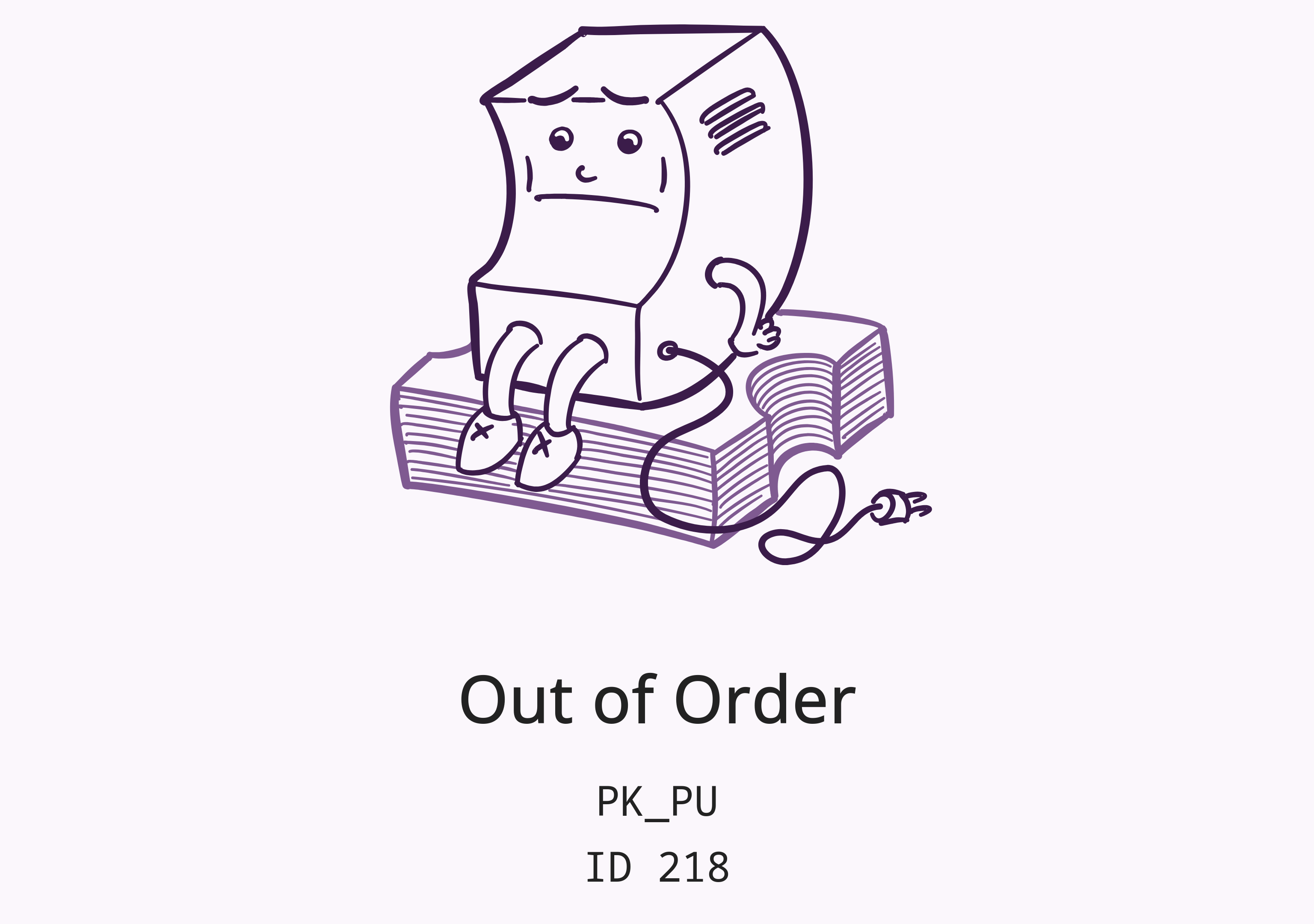
The first line, PK_PU is an error code that you can find in the table below.
The second line, ID 218 is the ID of the device within your organizer account.
| Error code | Meaning | Recommendation |
|---|---|---|
PK_IN |
No internet / server connection | Check internet connection of kiosk |
PK_PM |
No payment method available | Check logs of kiosk server component for payment errors, restart payment terminal |
PK_MO |
Manually out of service | Open service menu and disable "out of service" mode |
PK_SM |
Service mode enabled | Open service menu and disable service mode |
PK_BD |
Bill deposit mode enabled | Open service menu and continue or quit bill deposit operation, or wait for timeout |
PK_CD |
Coin deposit mode enabled | Open service menu and continue or quit coin deposit operation, or wait for timeout |
PK_HD |
Hardware abstraction layer is deactivated | Check hardware manufacturer's service interface |
PK_HI |
Hardware abstraction is being initialized | Wait for initialization to complete or check log files |
PK_HC |
Hardware abstraction layer disconnected | Check if hardware manufacturer's software is running |
PK_HF |
Hardware fault | Check hardware manufacturer's service interface |
PK_VL |
Power lost (USV mode) | Ensure power is reconnected |
PK_PU |
Printer unavailable | Check printer names in configuration and printer availability in the operating system |
PK_PD |
Printer disabled | Check logs, open service menu and restart printer connections |
PK_PF |
Printer fault | Check printer functionality, open service menu and restart printer connections |
PK_PP |
Printer out of paper | Refill paper |